01
Keep a readable copy for reference, printing, or sharing.
Save conversations from ChatGPT, Gemini, Claude, DeepSeek and more as polished PDF, Word, Markdown, Plain Text, JSON, or image files.
Select exactly what you need, or send chosen conversations to Notion.
One extension for 15+ AI platforms. You choose when and what to export.
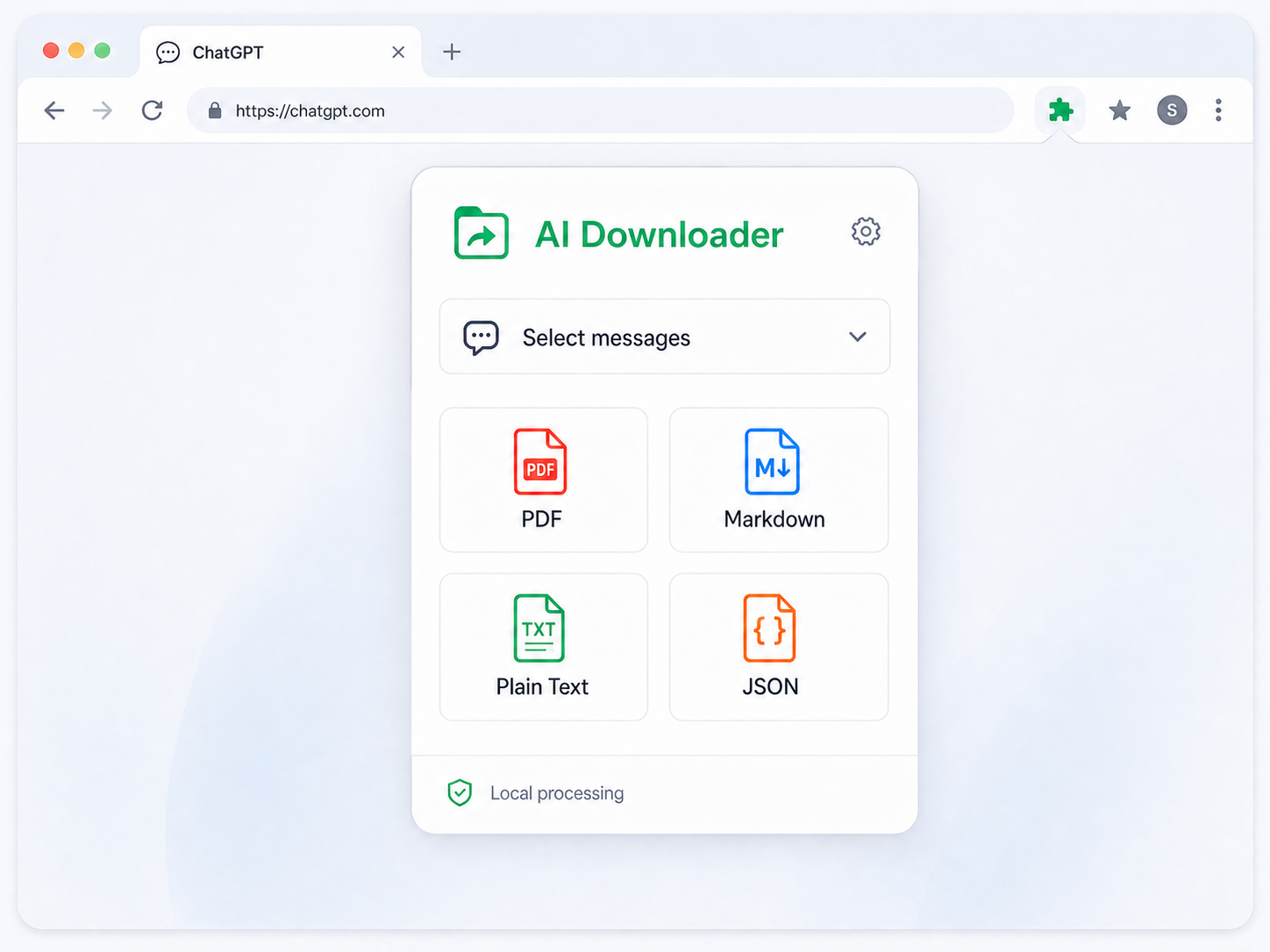
No copy-and-paste cleanup. Export directly from the AI conversation you are already viewing.
Choose the file type that fits what you want to do next.
01
Keep a readable copy for reference, printing, or sharing.
02
Move selected content into notes, documentation, or a writing workflow.
03
Create an editable document for reports, handoffs, and further writing.
04
Save a lightweight version that opens almost anywhere.
05
Retain conversation structure in a machine-readable file.
06
Turn selected messages into a shareable visual snapshot.
Keep the structure and details that make an AI conversation useful after it leaves the browser.
01
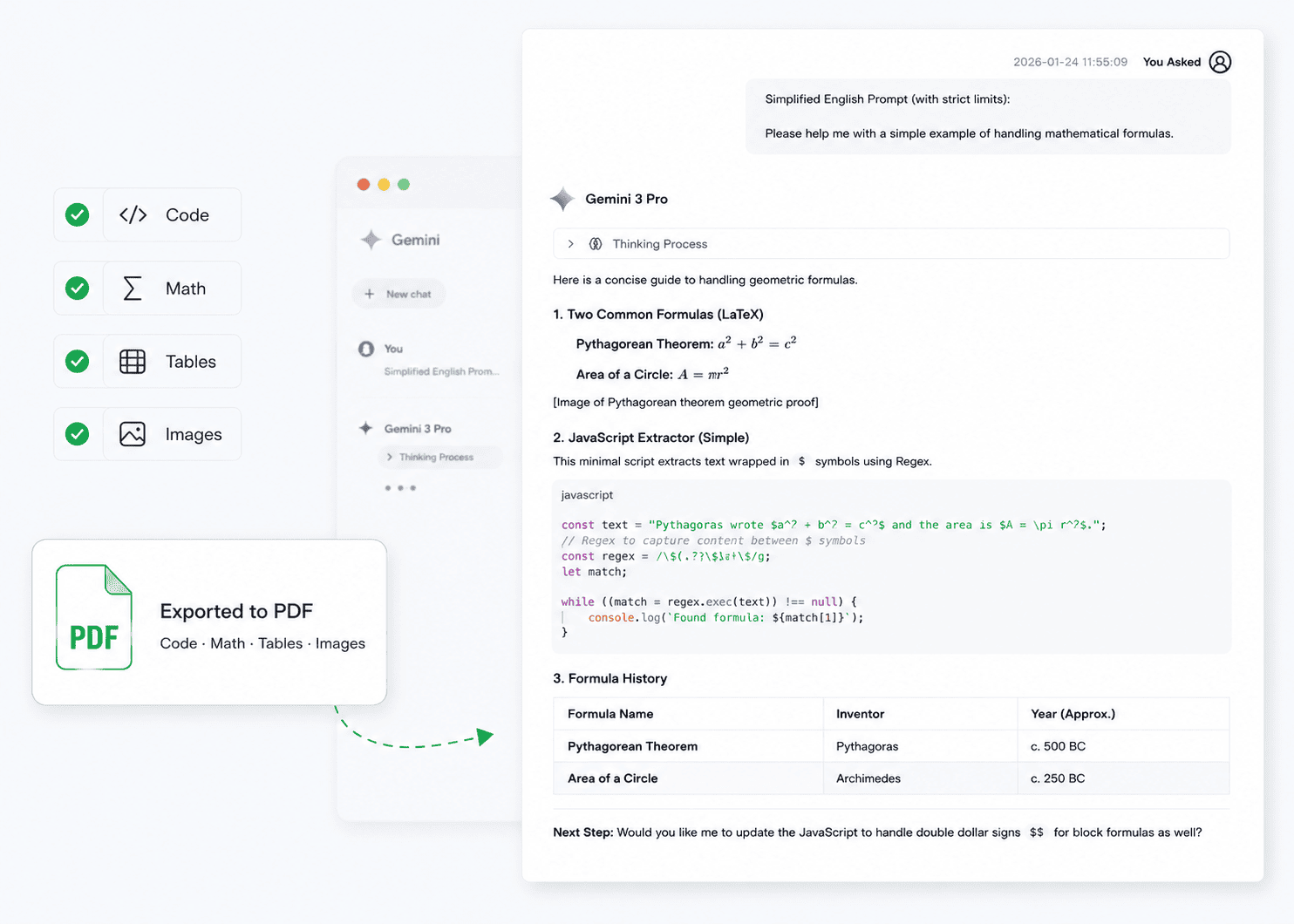
Create readable exports that retain the rich content inside technical, research, and image-heavy conversations.
02
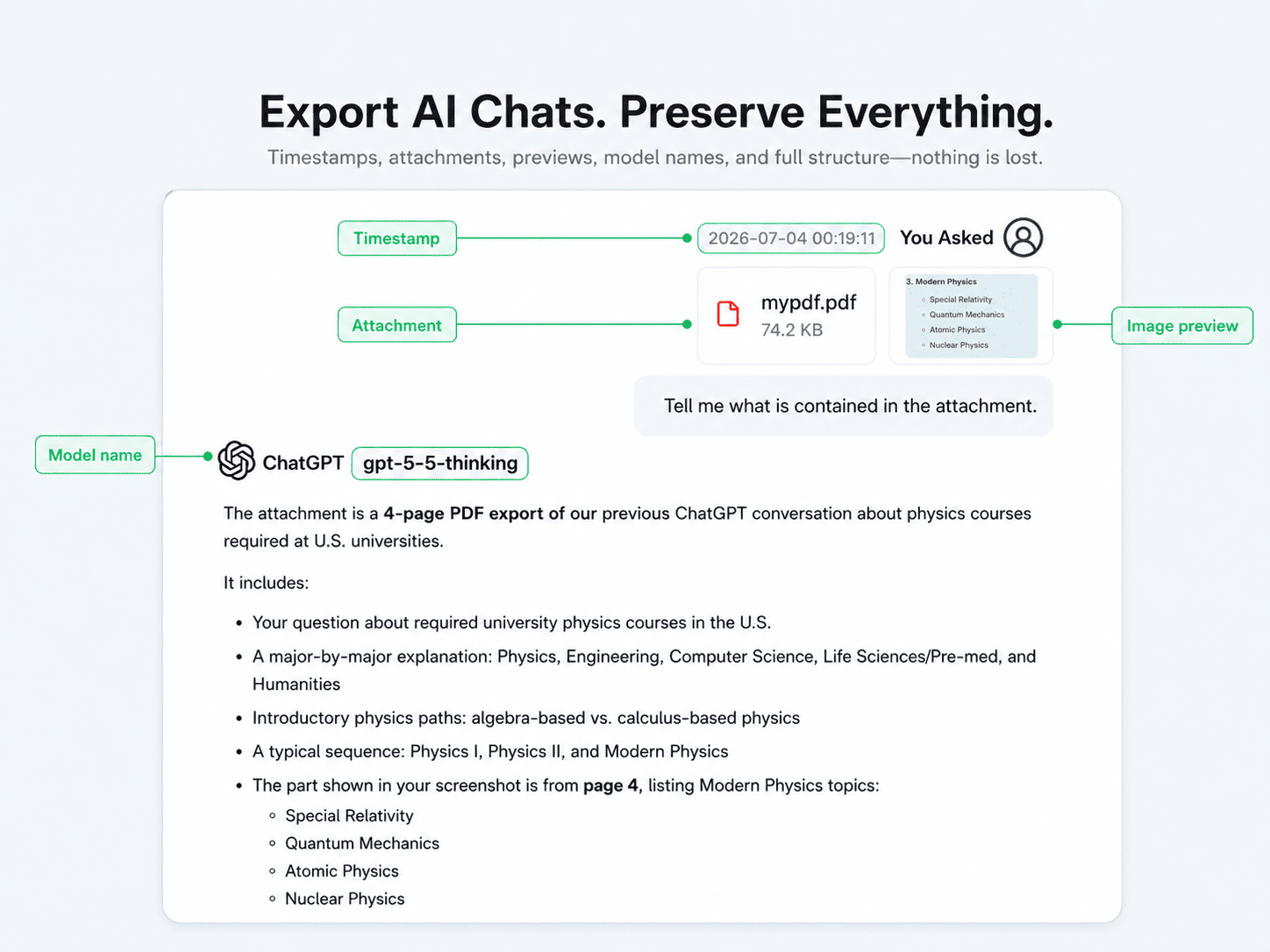
Retain useful structure such as message context, model information, attachments, and previews where the selected export format supports them.
03
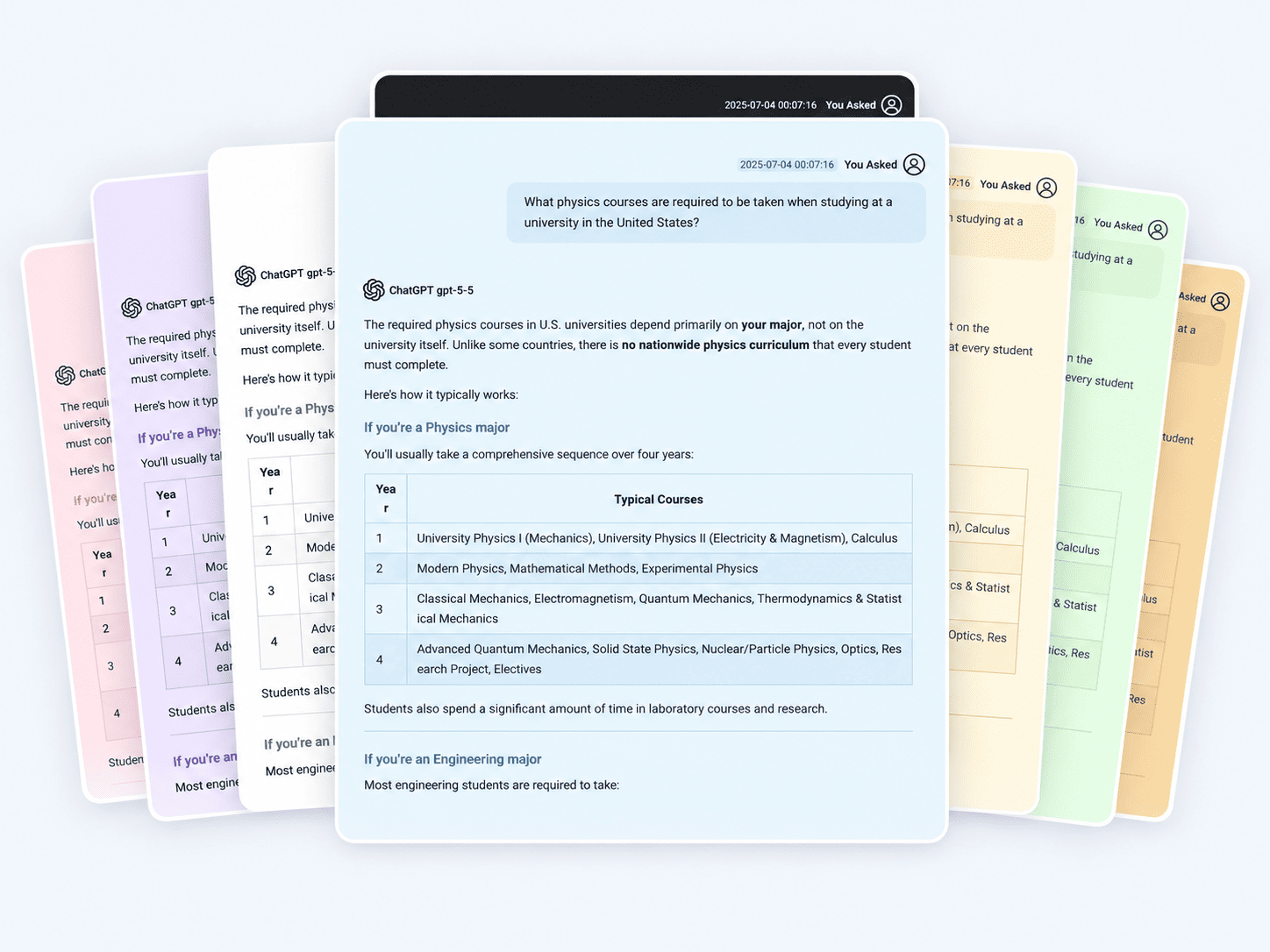
Turn the same conversation into a clean document with a visual style suited to reading, sharing, or archiving.
04
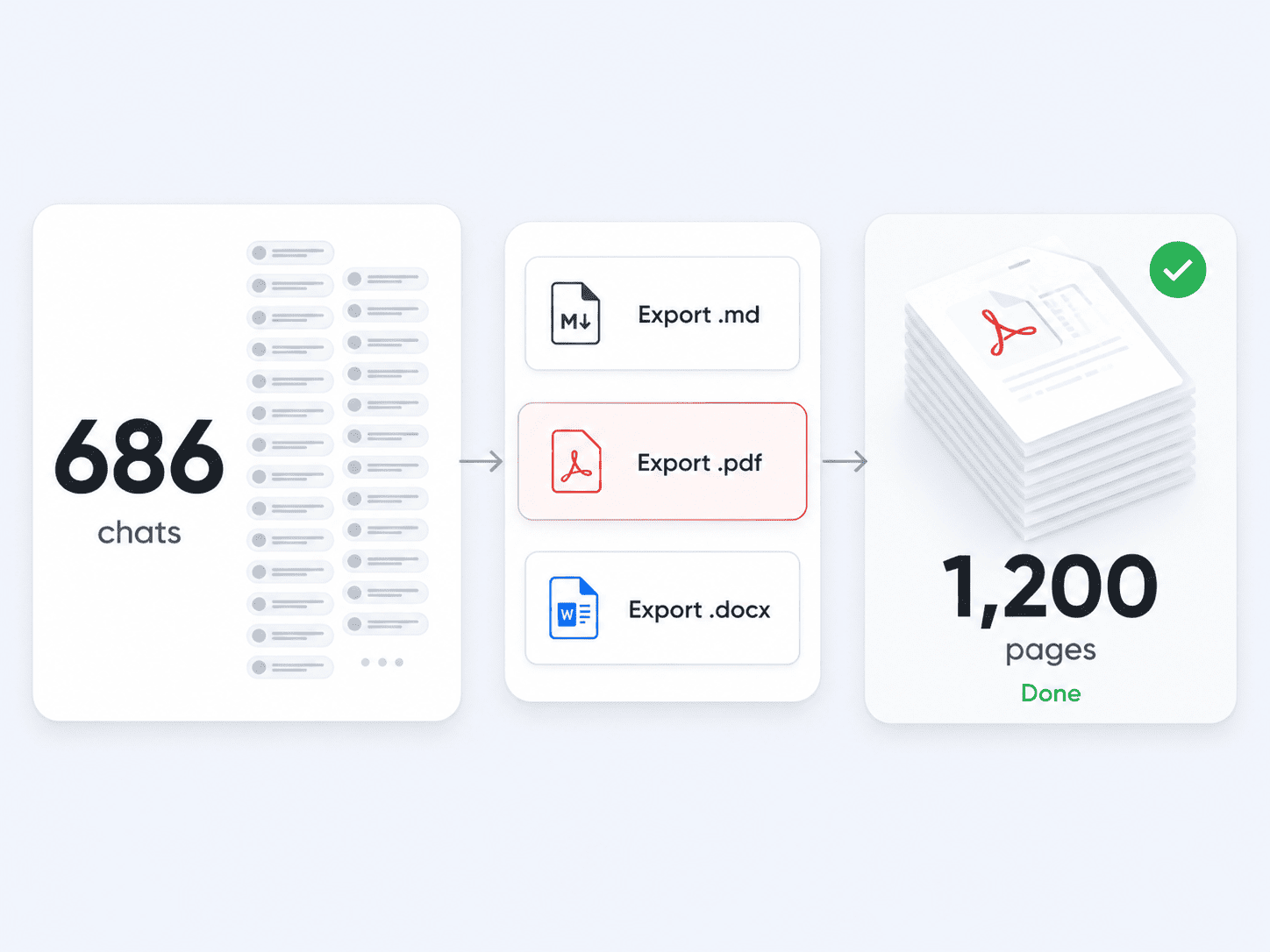
Handle large chat histories in one export workflow instead of copying a long conversation section by section.
The important details about compatibility, files, and privacy.
AI Downloader supports ChatGPT, Gemini, Claude, DeepSeek, Grok, Microsoft Copilot, GitHub Copilot, Google AI experiences, Perplexity, NotebookLM, Kimi, Qwen, Doubao, Yuanbao, and more.
Export selected messages or complete conversations as PDF, Word, Markdown, Plain Text, JSON, or image files.
Yes. Select the messages that matter and leave unrelated context out of the exported file.
Yes. Connect your Notion workspace and sync the conversations you actively choose into your own knowledge base.
Yes. Long conversations can be processed through one export workflow without manually splitting them into separate copies.
Local exports are generated for the file you request. User-directed integrations such as Notion send selected content only to the destination you authorize. See the Privacy Policy for complete details.
Install one extension to select, export, organize, and reuse conversations across your favorite AI platforms.